by krd | Mar 30, 2026 | Design, Marketing, Web Design
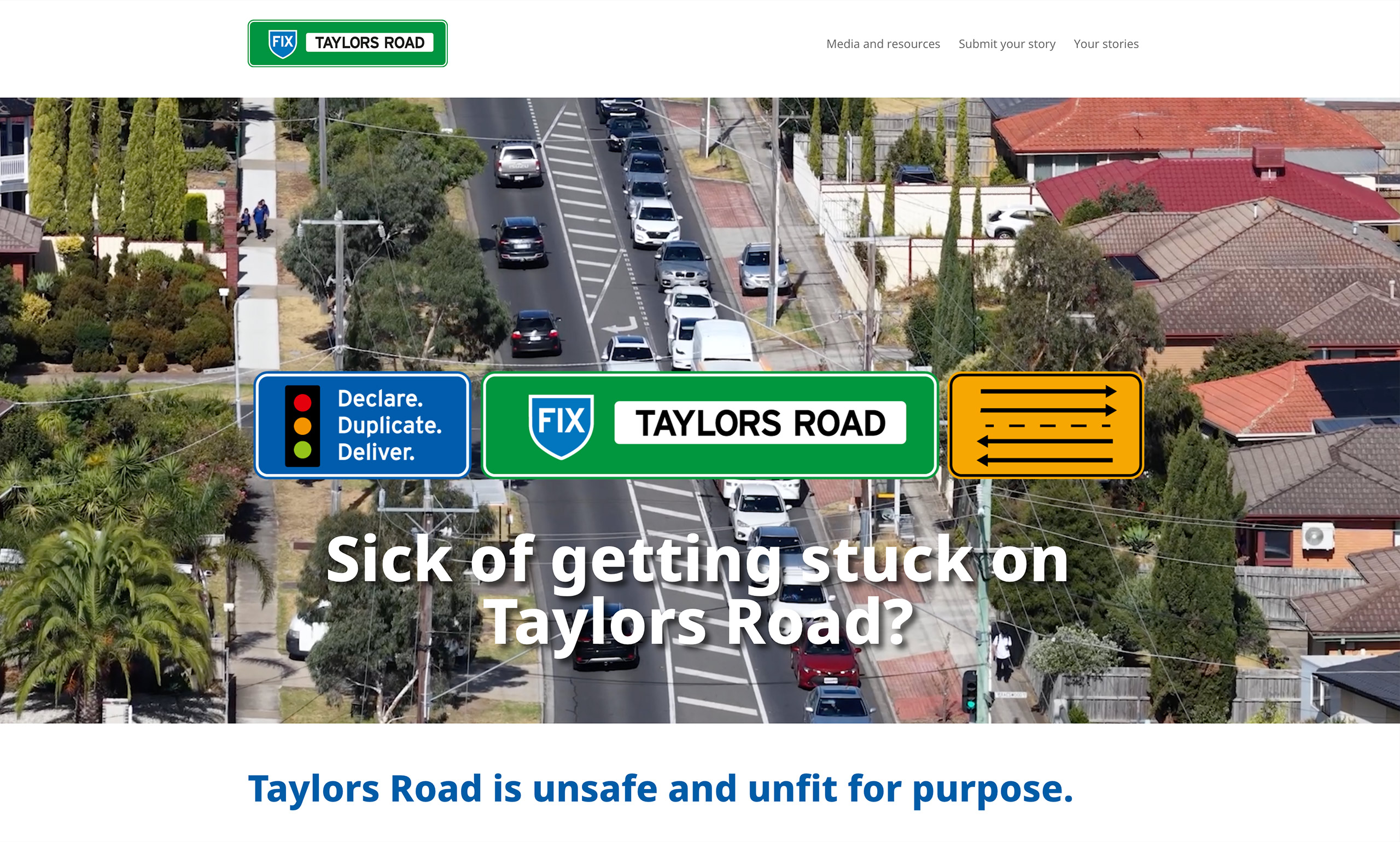
Like many places in contemporary Australia, Melbourne traffic is a commute headache. One particular hot spot is Taylors Road in Brimbank. The Brimbank City Council is campaigning to have the Taylors Road declared a major arterial road by the State Government. This declaration would see the ownership of this section of Taylors Road transfer to the State Government and allow for duplication. Improving traffic congestion and travel times significantly for residents and visitors.
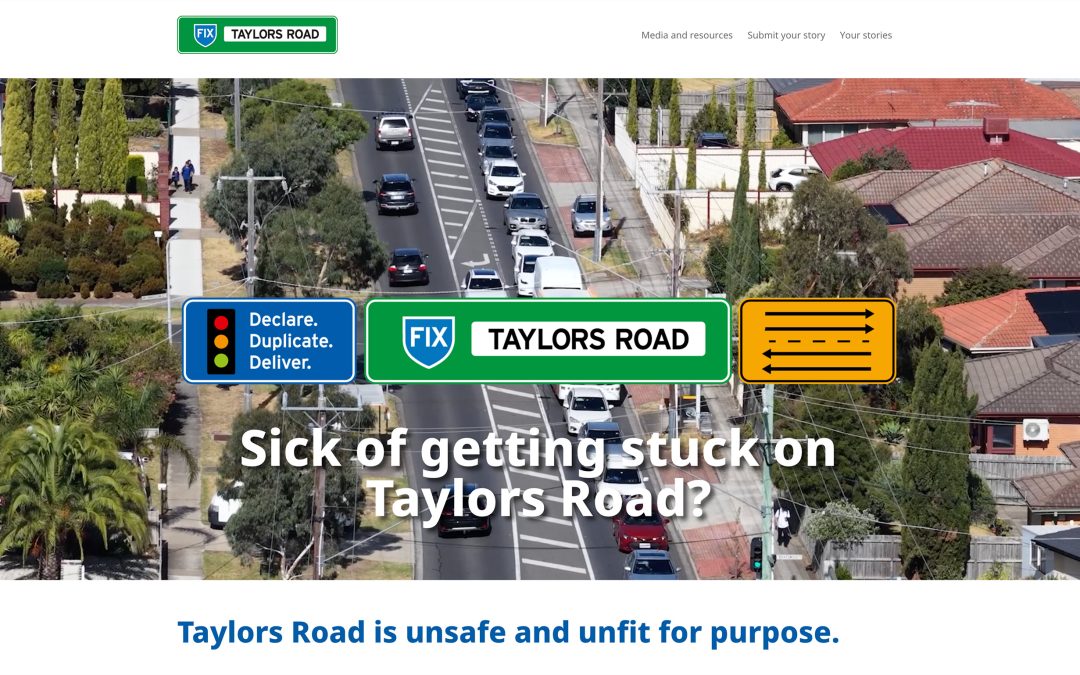
KRD was engaged by Brimbank City Council to create the branding for the campaign, and subsequent micro-site build.
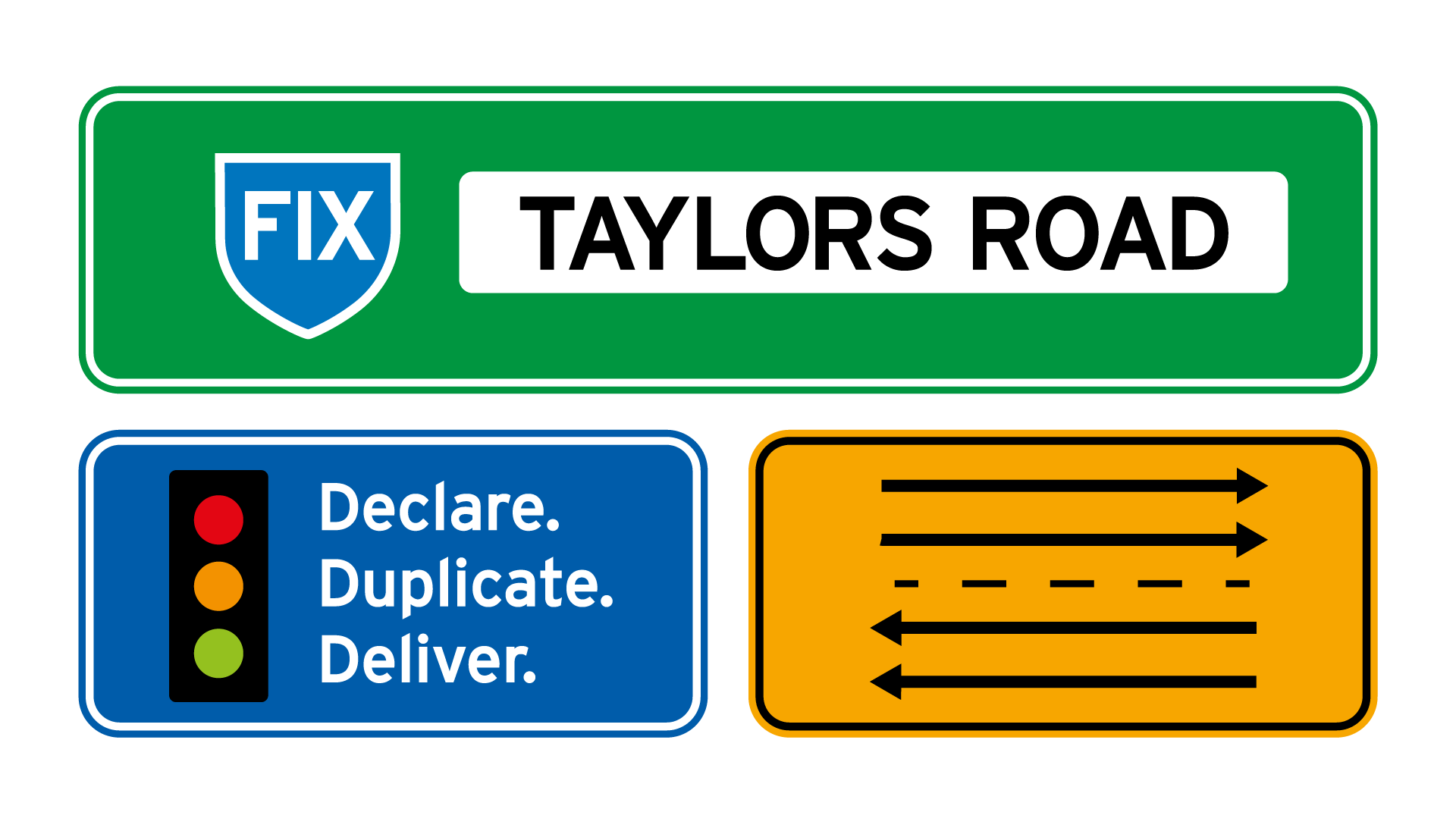
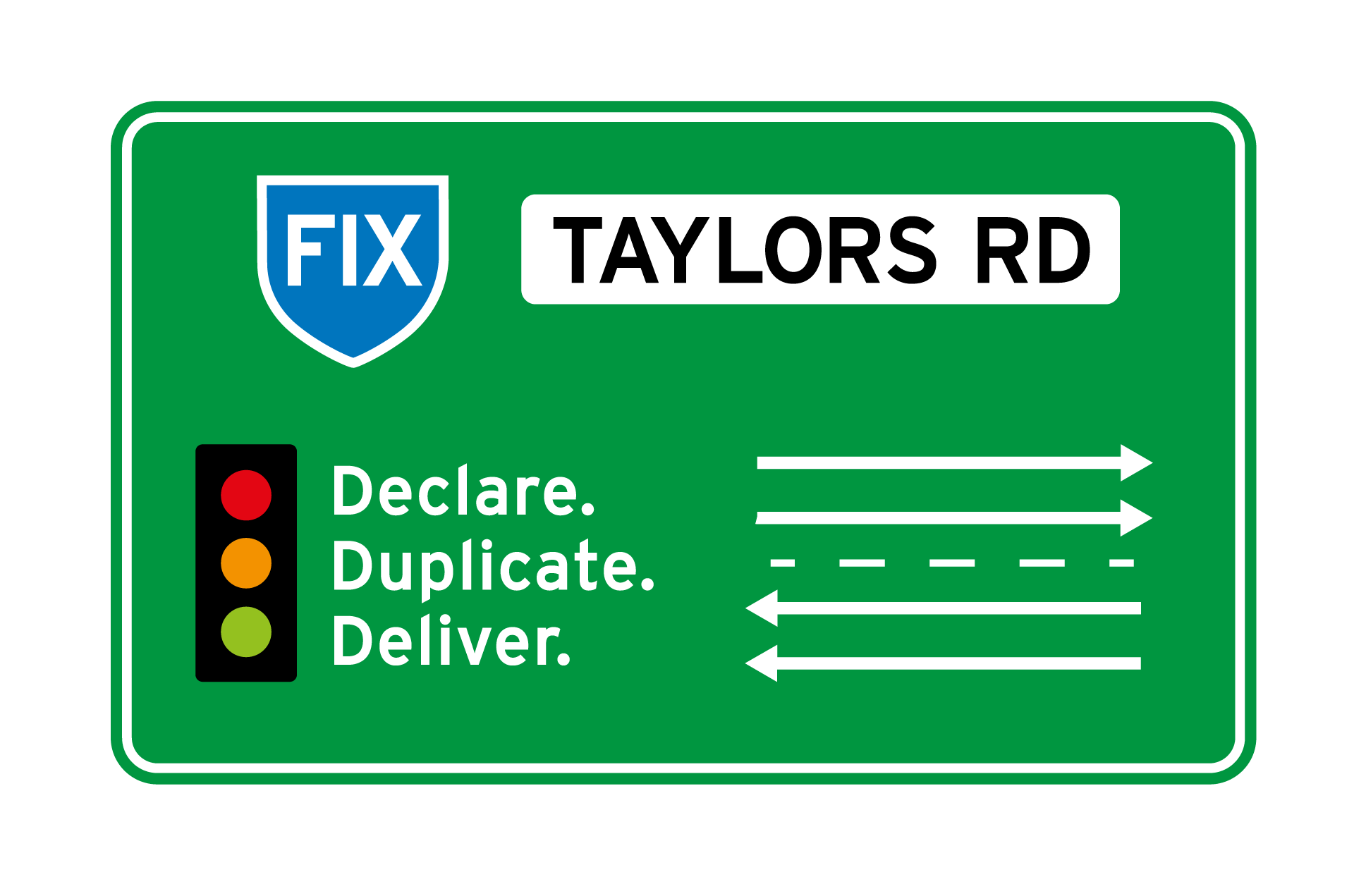
From brief to completion the project took eight weeks, with well-planned sequential project milestones. The campaign branding was developed first, with the brief requesting that the specific problem and solution be visually represented. As a council project, the end messaging needed to be clear and easy to read to a whole of community audience. Graphics used needed to communicate effectively to the large and varied multicultural community living and working in Brimbank.
Road signs emerged as a visual solution that suited both the 3-step solution – reflected in traffic lights – and the roadworks/warning sign format for lane indications. The shield holding ‘fix’ is used on Australian road signs. These familiar road symbols provided the perfect vehicle for the campaign messaging.
The micro-site was briefed with the requirement to collect and publish community stories to support the campaign. As a stand-alone microsite, we were free to use campaign colours and fonts. The site build was initially with supplied content, with space allocated for user generated content.
Working in WordPress with Divi editor, we found and adapted form plugins that allowed people to submit their stories and upload supporting imagery and even videos. We setup the framework to allow these submissions to be collected as user generated content and published to the site.
The Divi editor allows for block building of content placement with built-in responsive features, and we recommend it for all WordPress sites we build. The wide range of pre-coded blocks make designing intuitive and streamline development and content display features.
It is a pleasure to see the site build growing as Brimbank City Council add their news and resources, and the community submit their stories. It is always rewarding to see content management systems (CMS) websites grow and evolve as the framework we built fills with the addition of up-to-date content.
For a design team there is a wonderful sense of achievement working on a seamless project with timely client feedback. The opportunity to be involved in a project that mobilises the public for the benefit of a wide user group is greatly appreciated by all at KRD.

by krd | Mar 9, 2023 | Career, Creative, Design, Marketing, Resources, Web Design, Website, Work

Developing a new business website is exciting. It’s the digital home for your business. Just like a real shopfront, you need to be sure that the foundations are secure.
Developing a website can be a little bit of a chicken and egg situation. It is literally not there until you add the content. Once you add the content, it springs up almost like magic. This isn’t strictly true – there is a lot of thinking, planning, and building that has to take place to make sure everything is in the right place and is searchable and logical to a visitor.
Plan your user experience
Content needs to be planned in a way that makes sense to a visitor. Think of them as a virtual customer in your real shopfront (if you are a retailer). What is the customer journey?
How can we mimic that experience online?
What do people expect from a website in your industry?
How can you incorporate standardised features to smooth the experience for your customers?
This should be discussed thoroughly with your designer – being so close to your business or idea, it can often be difficult to see where new user questions may be. Your designer can look at your business with fresh eyes and place themselves in the role of customer to help configure your site plan.
Organise your content
Once you have your structure in place, gather images and write content. While websites use low res images for speed, provide your designer with high resolution images that they can crop and optimise as required. If you are struggling to write the content, engage a copywriter – a professional may be more affordable than you think. The site plan you have created will be helpful to know how many text segments are needed, and how long they should be.
Generating traffic
Once you build it, how will people find it? Search engine optimisation is an art and science. Be sure that your content is well written and useful. Publish content of value and don’t add fluff pieces to bulk out the site. Become a source of useful content for your industry.
Incoming and outgoing links are useful to add validity to your content. Incoming are particularly useful to becoming a ‘trusted source’ within your industry. Add content and update regularly so your content does not become stale – don’t create another abandoned blog. Set a realistic schedule for new content and plan ahead.
Consider starting a news section where you can publish updates – think content that you might publish on social media. This way, you have control of the content, and are not dependent on social media platforms to showcase your brand. If a social media platform ceases to exist, you loose all the content and engagement you generated, unless you have it on your website too. You can also direct people to your site, where they are less likely to be distracted by other offerings on a social media platform.
Make sure your URL is memorable and accessible – add a link to your email footer, to your social profiles, anywhere you communicate. Then when you integrate analytics to your site, you will be able to see how people are accessing your site and tailor any future marketing activities accordingly.
Editing and future-proofing
One of the best things about websites is that they are not static. You don’t just finish them and walk away. Connect up your analytics and see what content is performing. If something isn’t getting the traction you want, change it. Engage with your site, update whenever something changes in your business – by keeping it current and relevant you are more likely to engage your visitors.
Be sure to keep any CMS software you use up to date. One of the most popular CMS systems we use is WordPress. WordPress is open-source software – making it free to use – but it is constantly evolving to improve and to combat malware and hacking. Keep it up to date to reduce the risk of your site being hacked. Also, backup your site regularly so that if anything goes wrong you can restore it quickly and easily.
Download our website planning guide to get started